

How to Accept Donations Without a Website
You do not need a full website to start raising money online. Many nonprofits, charities, churches, schools, community groups, volunteers, and new fundraising teams begin with simple tools: online donation links, hosted fundraising pages, QR code donations, email appeals, social media fundraising, text-to-give, mobile giving, and donor tracking.
The key is to make giving simple, secure, mobile-friendly, and easy to share. A supporter should be able to read your message, understand the need, click or scan once, and complete a gift through a trusted donation form.
This guide explains how to accept donations without a website using practical tools that work for new and growing organizations.
Can You Accept Donations Without a Website?
Yes, you can accept donations without a website. A website can help with long-term credibility, search visibility, program details, and donor education, but it is not required to begin fundraising. What you need first is a secure way to collect gifts, a clear message explaining why donations matter, and a simple method for sharing your donation option with supporters.
Many donation tools without website requirements give organizations a hosted fundraising page. This is a standalone online fundraising page created inside a fundraising platform.
You can share the page by link, QR code, email, text message, social media post, printed flyer, event slide, or newsletter. Donors do not need to visit your own website because the hosted page contains the donation form and payment flow.
You can also receive donations online without a website through direct payment links, social media fundraising tools, mobile giving options, peer-to-peer fundraising pages, text-to-give campaigns, and in-person digital giving.
These methods are especially useful for organizations that are just starting, running a time-sensitive campaign, hosting an event, or operating with a small team.
The most important requirement is trust. If donors do not recognize your organization or are unsure where their money goes, they may hesitate. That means your donation page or fundraising link should clearly show your organization name, mission, campaign purpose, contact information, secure payment process, and donor receipt details.
Best Ways to Accept Donations Without a Website
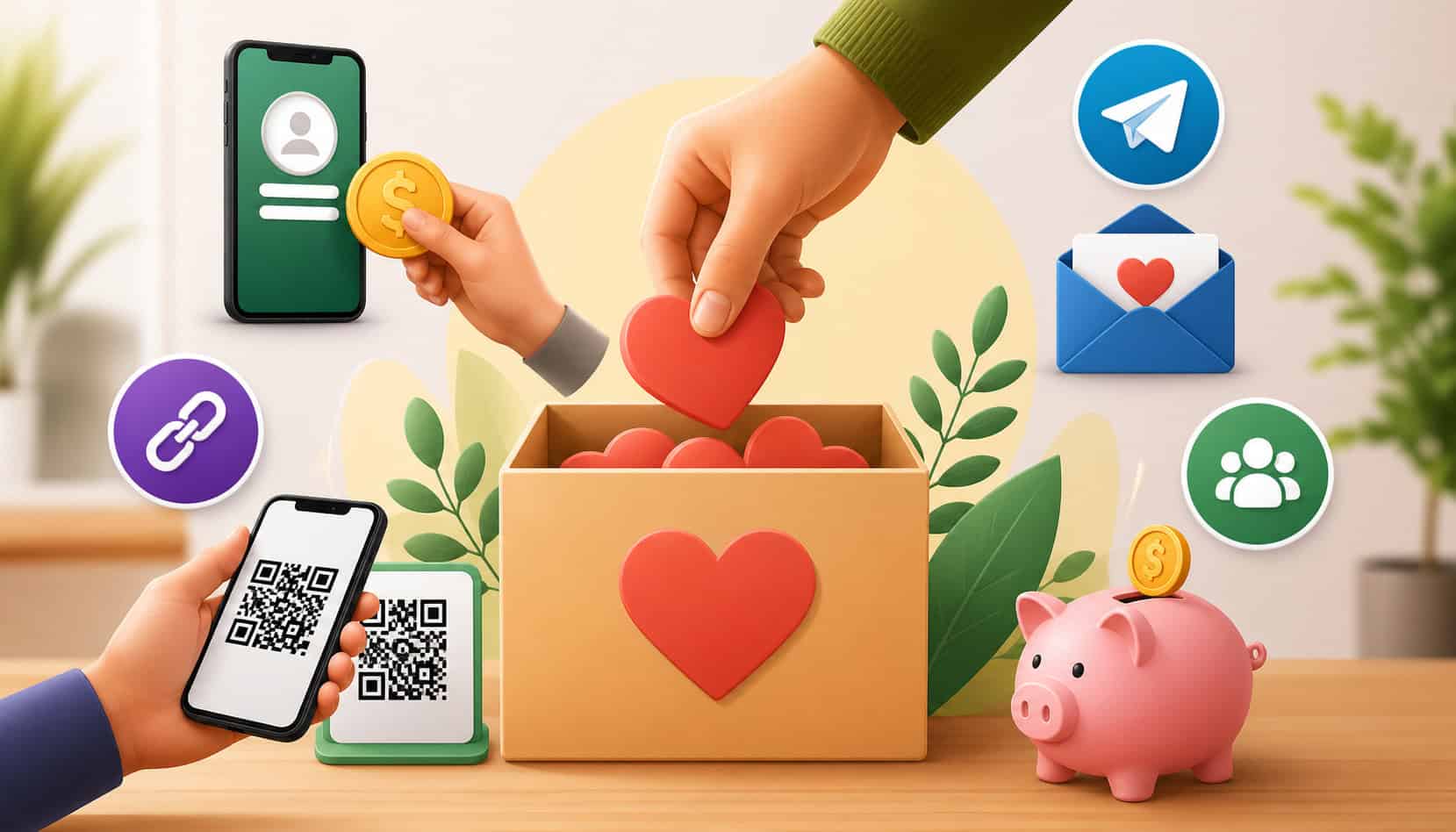
The best method depends on your audience, campaign type, and how donors usually interact with your organization. A school fundraiser may do well with QR codes on flyers and event signs.
A church may rely on mobile giving, email reminders, and recurring donations. A community group may raise more through social media fundraising and peer-to-peer fundraising.
When choosing a tool, look beyond the first donation. You also need to think about donor management, receipts, recurring gift options, campaign tracking, and follow-up communication. A tool that only collects money but does not store donor records can create more work later.
Here is a practical comparison of common options:
| Method | Best For | Main Benefit | What to Watch For |
| Hosted donation page | New organizations, campaigns, recurring giving | No website needed; donors give through a secure page | Make sure branding and receipts are clear |
| Direct donation link | Email, social media, newsletters, text messages | Easy to share anywhere | Use one clear call to action |
| QR code donations | Events, flyers, bulletins, posters, presentations | Fast mobile giving from printed materials | Test the QR code before printing |
| Social media fundraising | Community awareness and quick sharing | Reaches supporters where they already spend time | Posts need repeated reminders |
| Email fundraising | Warm donor lists and updates | Personal, trackable, easy to repeat | Avoid long messages with buried links |
| Text-to-give | Churches, events, urgent appeals | Very fast mobile response | Confirm costs and setup requirements |
| Peer-to-peer fundraising | Walkathons, teams, volunteers, memorial campaigns | Supporters raise money from their networks | Provide clear instructions and templates |
| In-person digital giving | Galas, services, school events, drives | Converts attention into immediate action | Staff or volunteers should explain the process |
Use a Hosted Donation Page
A hosted donation page is one of the easiest ways to collect donations without a website. Instead of building your own donation page, you create a campaign page through a fundraising platform. The platform hosts the page, processes the payment, and usually provides a secure donation form.
A good hosted donation page should include your organization name, campaign title, logo or image, donation message, suggested giving amounts, one-time and recurring donation options, and an easy checkout process.
It should also work well on mobile devices because many donors will open the link from social media, email, text messages, or QR codes.
Hosted pages are useful because they make fundraising without a website feel professional. Donors can see what they are supporting, choose an amount, enter payment information, and receive a confirmation. Many platforms also support automated receipts, campaign reporting, donor management, and recurring donations.
For organizations comparing tools, a helpful starting point is reviewing available donation and donor management features. Look for options that support branded pages, donor records, payment security, receipts, reporting, and mobile-friendly giving.
Share a Direct Donation Link
A direct donation link is a simple URL that sends donors straight to your online donation form or hosted fundraising page. This is one of the most flexible ways to accept donations without a website because you can place the same link almost anywhere.
You can add an online donation link to:
- Email appeals
- Newsletter footers
- Social media bios
- Pinned posts
- Text messages
- Messaging app groups
- Event invitations
- Printed flyers
- Video descriptions
- Digital presentations
- Volunteer outreach templates
The link should be paired with a clear call to action. Instead of saying “support us,” be specific: “Give today to provide meals for families,” “Make a monthly gift,” or “Donate to help fund student supplies.” Donors are more likely to act when they know exactly what to do and why it matters.
Keep the link consistent across channels so reporting stays clean. If you create separate links for every message without a plan, you may struggle to understand which channel raised the most money.
Collect Donations With QR Codes
QR code donations are ideal when your supporters are physically present or viewing printed materials. A QR code can send donors directly to your donation form from a poster, church bulletin, school flyer, direct mail piece, event program, table sign, presentation slide, or thank-you card.
This works because people do not have to type a long link. They scan the code with their phone, open the donation page, choose an amount, and give. QR code donations are especially useful for events, services, community drives, and volunteer-led campaigns.
Before publishing a QR code, test it carefully. Scan it with multiple phones, check that it opens the correct donation page, confirm that the page loads quickly, and complete a small test donation if possible. Also test the printed size. A QR code that works on a screen may be too small on a flyer.
Add a short instruction beside the code, such as “Scan to give,” “Scan to support this campaign,” or “Scan to make a secure donation.” Do not assume every donor will know what the code does.
How to Set Up a Donation Page Without a Website
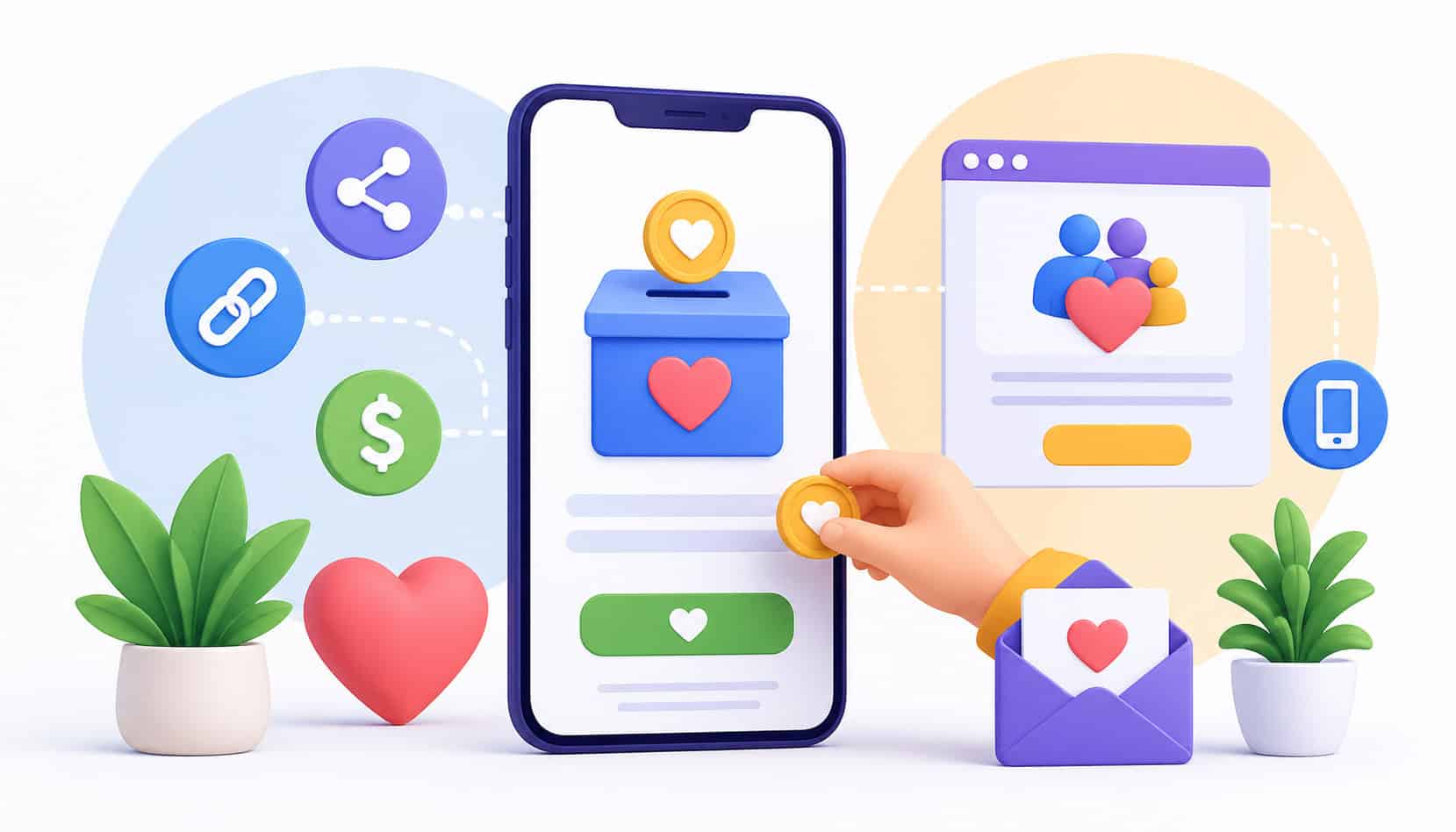
Setting up a donation page without a website is usually faster than building a full site. The goal is to create a secure, easy-to-share page that explains the need and makes giving simple. Even if your organization has no web developer, no design team, and no existing site, you can still create a professional donation experience.
Start by choosing a fundraising platform that allows hosted donation pages. Look for donation forms, payment processing, recurring gifts, donor receipts, donor management, reporting, mobile usability, and options for sharing by email, SMS, social media, and QR code. If you plan to grow, choose a system that can support more than one campaign.
A basic setup process usually looks like this:
- Choose a donation platform.
- Create your organization account.
- Add your campaign name.
- Write a short donation message.
- Upload a logo or campaign image.
- Add suggested giving amounts.
- Enable recurring donations if available.
- Connect payment processing.
- Customize donor receipts.
- Test the donation form.
- Share the link through your main channels.
- Track donations and follow up with donors.
Do not rush the testing step. Open the form on a phone, tablet, and desktop. Check spelling, donation amounts, recurring gift settings, confirmation emails, and receipt details. A broken form or confusing checkout can cost donations.
For a simple overview of setup flow, review this how it works guide and use it as a checklist for creating, personalizing, sharing, and tracking your donation page.
Write a Clear Donation Message
Your donation message should answer three questions quickly: What is the need? Why does it matter? What should the donor do next? Donors do not need a long report before giving, but they do need enough context to feel confident.
A strong message focuses on impact. Instead of saying, “We are raising funds for our organization,” explain what the gift helps accomplish. For example: “Your gift helps provide weekend meals for students,” or “A monthly donation helps keep our community program open and accessible.”
Keep the message donor-focused. Use “your gift helps,” “you can support,” and “together, we can” to connect the donor to the outcome. Avoid vague language that does not explain where the money goes.
End with a direct call to action. Good examples include:
- “Make a gift today.”
- “Give once or monthly.”
- “Help fund this campaign.”
- “Donate now to support this work.”
Add Suggested Donation Amounts
Suggested donation amounts help donors decide faster. When a donation form only includes a blank amount field, some donors may pause because they are unsure what is appropriate. Suggested amounts give them a starting point.
Use giving levels that match your audience and campaign. A small community fundraiser may use lower amounts, while a major campaign may include larger options. The best amounts are realistic and tied to impact.
For example:
- $10 helps provide supplies.
- $25 supports one participant.
- $50 helps fund a weekly program.
- $100 supports a full service day.
- $250 helps expand outreach.
You can also include an “Other amount” option so donors can give more or less. Suggested amounts should guide donors, not pressure them.
Test your giving levels over time. If most donors choose the lowest amount, you may need to adjust the range or strengthen the impact descriptions. If many donors enter a custom amount higher than your suggestions, consider adding a higher giving level.
Enable Recurring Giving When Possible
Recurring donations help create predictable support. Instead of asking every donor to give again from scratch, monthly giving allows supporters to contribute automatically over time. This can make fundraising more stable and reduce pressure during slower campaign periods.
Recurring gifts are especially helpful for churches, schools, animal rescues, community services, youth programs, and ongoing charitable work. A small monthly gift can become meaningful when many donors participate.
Make the recurring option easy to see on the donation form. Use wording such as “Give monthly” or “Make this a recurring donation.” Explain why monthly support matters. For example: “Monthly gifts help us plan ahead and serve consistently.”
Do not treat recurring donors as one-time donors. Send updates, thank them regularly, and show how their continued support makes a difference. Strong donor relationships are built through communication, not just payment automation.
Fundraising Without a Website Through Social Media

Social media fundraising is one of the most accessible ways to collect donations without a website. If your organization has a social media page, group, or active supporters, you can promote donation links through posts, bios, pinned updates, stories, reels, live streams, and community discussions.
Start by placing your main donation link in your profile bio where possible. Then create a pinned post that explains who you are, what you are raising money for, and how people can give. A pinned post acts like a mini landing page for visitors who discover your organization through social media.
Use short, consistent messages. People scroll quickly, so your post should lead with the need and the action. Include a strong image or short video when possible. Photos from programs, events, volunteers, supplies, or community work can help donors understand the impact.
You can also use stories and short videos to create momentum. For example, share a campaign countdown, a behind-the-scenes update, a volunteer quote, or a progress milestone. Always include the donation link or direct people to the link in your bio.
Social media fundraising works best when it is repeated without becoming repetitive. One post is rarely enough. Create a simple content rhythm: launch post, impact story, reminder, donor thank-you, progress update, final push, and results recap.
Peer-to-peer fundraising can also grow from social media. Ask board members, volunteers, parents, congregation members, alumni, or supporters to share your online fundraising page with their own networks. Give them sample captions and images so they do not have to start from scratch.
Accepting Donations Through Email and Messaging Apps
Email and messaging apps are powerful because they reach people more directly than public social posts. A donor may miss a social media update, but an email or message can land in a place they check every day. This makes email and messaging useful for fundraising without a website.
A strong email appeal should be focused. Use a clear subject line, a short opening, one main story or need, a visible donation link, and a direct call to action. Avoid burying the donation link at the very bottom. Include it near the beginning and again near the end.
For example, a simple structure could be:
- Opening: State the need.
- Impact: Explain what a gift helps do.
- Ask: Invite the donor to give.
- Link: Add the donation page.
- Follow-up: Thank them and share contact details.
Messaging apps and text messages should be even shorter. People expect quick communication in those channels. Use one sentence for context, one sentence for the ask, and one link. For example: “We’re raising funds for student supplies this week. You can make a secure gift here: [link].”
Text-to-give can be helpful for live events, services, urgent appeals, or communities that already communicate by phone. It allows donors to start a gift by sending a keyword to a number. Before using text-to-give, review costs, setup time, donor experience, and how donor information will be stored.
How to Build Donor Trust Without a Website
Trust matters even more when you do not have a full website. Donors may wonder who is collecting the funds, whether the donation page is secure, how the money will be used, and whether they will receive a receipt. Your job is to remove doubt before it stops someone from giving.
Start with clear organization details. Your donation page should show your organization name, mission, campaign purpose, contact information, and a recognizable logo or image. If you are raising funds for a specific project, explain the project clearly and avoid vague claims.
Use a secure payment page. Donors should not be asked to send card information through email, social messages, or informal forms. A proper donation form should use secure payment processing and provide confirmation after the gift.
Photos and impact examples can also build confidence. Show real work, real materials, real volunteers, real programs, or real community outcomes when appropriate. Avoid images that feel unrelated or overly generic.
Receipts are another trust signal. Donors want confirmation that the gift went through and that your organization received it. Automated receipts also reduce administrative work for your team.
Privacy matters too. Tell donors how you will use their information. Do not add donors to unrelated lists without permission, and do not publicly share donor names unless they have agreed.
A helpful resource for common donor and setup questions is the fundraising FAQ page, especially when reviewing what donors may want to know before giving.
How to Track Donors and Donations Without a Website
Collecting donations is only part of fundraising. You also need to track who gave, when they gave, how much they gave, which campaign they supported, whether they gave once or recurring, and how you followed up. Without tracking, you may lose donor relationships and miss important reporting details.
For a very small fundraiser, a spreadsheet may be enough at first. You can track donor name, email, gift amount, date, campaign, payment method, receipt status, notes, and follow-up date. However, spreadsheets become harder to manage as donation volume grows.
Manual tracking can lead to problems such as duplicate records, missing receipts, inconsistent donor names, incomplete giving history, and unclear campaign totals. It can also create privacy risks if too many people access the file or if it is stored carelessly.
Donor management tools can help by centralizing donor records, donation history, recurring gift reports, campaign totals, receipts, notes, and follow-up communication. This is useful when your organization receives gifts from multiple channels, such as QR codes, email links, social media campaigns, in-person events, and mobile giving.
Good donor management supports better relationships. You can thank first-time donors, identify repeat supporters, follow up with recurring donors, segment donors by campaign, and understand which outreach methods work best.
For organizations comparing costs and long-term planning, this pricing information can be useful when evaluating whether a tool fits your budget and fundraising stage.
Common Mistakes to Avoid
Many organizations can collect donations without a website, but small mistakes can reduce donor confidence or create extra work. The good news is that most problems are easy to avoid with a simple process.
One common mistake is using unclear payment links. If donors click a link and do not immediately recognize the campaign or organization, they may abandon the gift. Make sure the donation page looks connected to your organization and clearly explains the purpose.
Another mistake is sharing too many donation methods at once. If one post says to use a payment app, another says to scan a QR code, another says to message a volunteer, and another says to use a form, donors may not know which option is best. Choose one primary method and use others only when they support the same donation flow.
Skipping test donations is also risky. Always test the form before sharing it widely. Check mobile usability, suggested amounts, recurring donation settings, payment confirmation, and receipts.
Other mistakes include:
- Using weak calls to action
- Forgetting to send receipts
- Not tracking donor information
- Ignoring mobile donors
- Posting once and never reminding supporters
- Not thanking donors
- Using campaign names that are too vague
- Failing to explain impact
- Sharing broken or outdated QR codes
- Not protecting donor information
Follow-up is one of the biggest missed opportunities. Donors who give once may give again if they feel appreciated and informed. A thank-you message, impact update, or campaign result can turn a single gift into a lasting relationship.
When Should You Build a Website Later?
You can begin fundraising without a website, but a website may become useful as your organization grows. Think of a website as a long-term credibility and information hub, not the only way to collect donations.
You may need a website later if donors frequently ask for more information about your mission, programs, leadership, financial transparency, volunteer opportunities, events, or impact reports. A website can answer those questions in one place.
A website may also help if you run multiple programs or campaigns. Instead of sending every donor to a single fundraising page, you can organize pages for programs, events, volunteer signups, stories, resources, and contact information.
Grant applications, partnerships, media outreach, and community visibility may also create a need for a website. Some funders and partners expect to review your online presence before starting a relationship.
Signs you may be ready include:
- You have regular donor traffic.
- You manage multiple campaigns.
- You need event pages or volunteer forms.
- You publish frequent updates.
- You want stronger search visibility.
- You need a central home for credibility.
- You receive repeated questions from donors.
- You want to organize impact stories and reports.
Even after building a website, you can still use hosted donation pages, online donation links, QR code donations, text-to-give, and social media fundraising. A website does not replace those tools; it connects them.
FAQs About How to Accept Donations Without a Website
Can I accept donations without a website?
Yes. You can accept donations without a website by using hosted donation pages, direct donation links, QR codes, email appeals, social media fundraising, mobile giving, and text-to-give tools.
What is the easiest way to receive donations online without a website?
The easiest way is to use a hosted donation page with a shareable donation link. Donors can click the link, choose an amount, and give securely without visiting a full website.
Can I use a QR code to collect donations?
Yes. QR codes are useful for flyers, posters, church bulletins, event signs, mailers, and presentations. The QR code should send donors directly to your online donation form.
Do I need a nonprofit website to use a donation page?
No. Many fundraising platforms provide hosted donation pages, so you can collect donations online even if your organization does not have its own website.
How do I make donors trust a donation link?
Use a secure donation page, include your organization name, explain your mission, add contact details, show the purpose of the campaign, and send donation receipts.
Can I accept recurring donations without a website?
Yes. Many donation tools allow donors to set up recurring donations through hosted donation forms, even if your organization does not have a website.
How should I track donations without a website?
You can start with a spreadsheet for small campaigns, but donor management tools are better for tracking donor details, gift history, receipts, recurring donations, and follow-ups.
What donation tools work without a website?
Hosted donation pages, direct donation links, QR code donations, email fundraising tools, social media fundraising, text-to-give, mobile giving, and donor management tools can all work without a website.
Conclusion
You can accept donations without a website by using the right mix of hosted donation pages, online donation links, QR codes, email, messaging apps, social media fundraising, peer-to-peer fundraising, text-to-give, mobile giving, and donor management tools.
A full website may help later, but it should not stop you from starting now. Donors mainly need a clear reason to give, a secure donation form, a simple link or QR code, and confidence that their gift will be used well.
Make giving easy. Keep the message focused. Track every donation. Thank every donor. When your fundraising process is simple, secure, trustworthy, mobile-friendly, and easy to manage, your organization can start building support even before it has a website.