
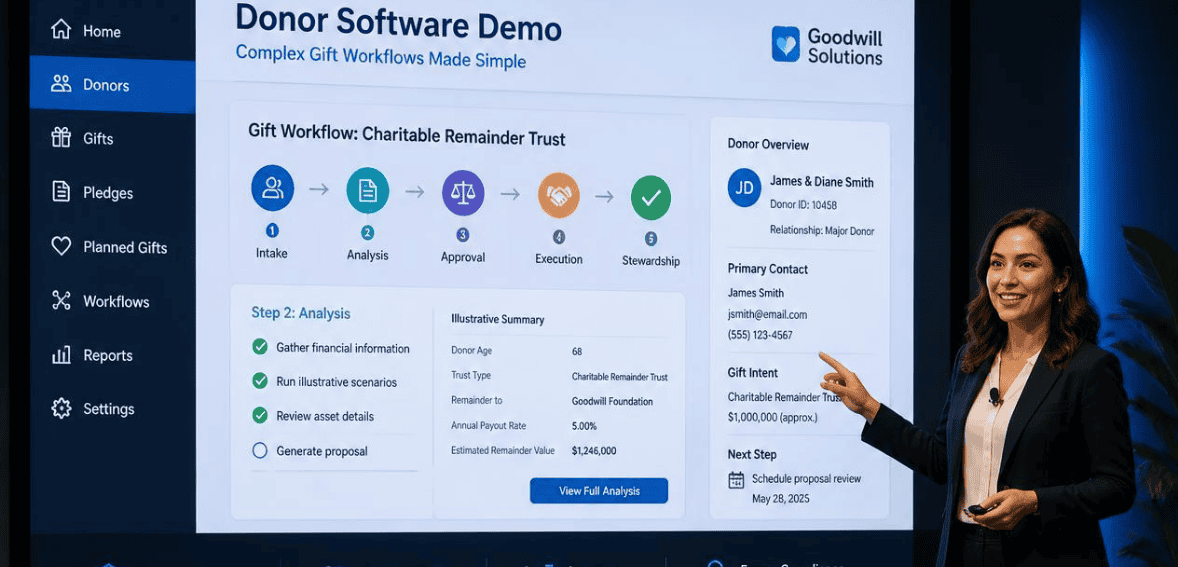
A Donor Software Demo Script for Complex Gift Workflows
A donor software demo is designed to make you say yes. The slides are polished. The sample data is clean. The rep clicks through a smiling dashboard, and a $50 online gift lands perfectly in a fake donor record. Then you sign the contract, migrate your real data, and discover the platform chokes on the gifts that actually fund your mission: the matching gift stuck in limbo, the donor-advised fund grant with no soft credit, the multi-year pledge that won’t reconcile.
That gap is why you should use your hardest gift-type donor software demo checklists, not the easy ones provided by vendors. This checks whether your gift management software meets your complex gift workflows. It helps you make the leap from a compelling sales pitch to a real purchase your team can back.
Why a Donor Software Demo Checklist Beats a Generic Product Tour
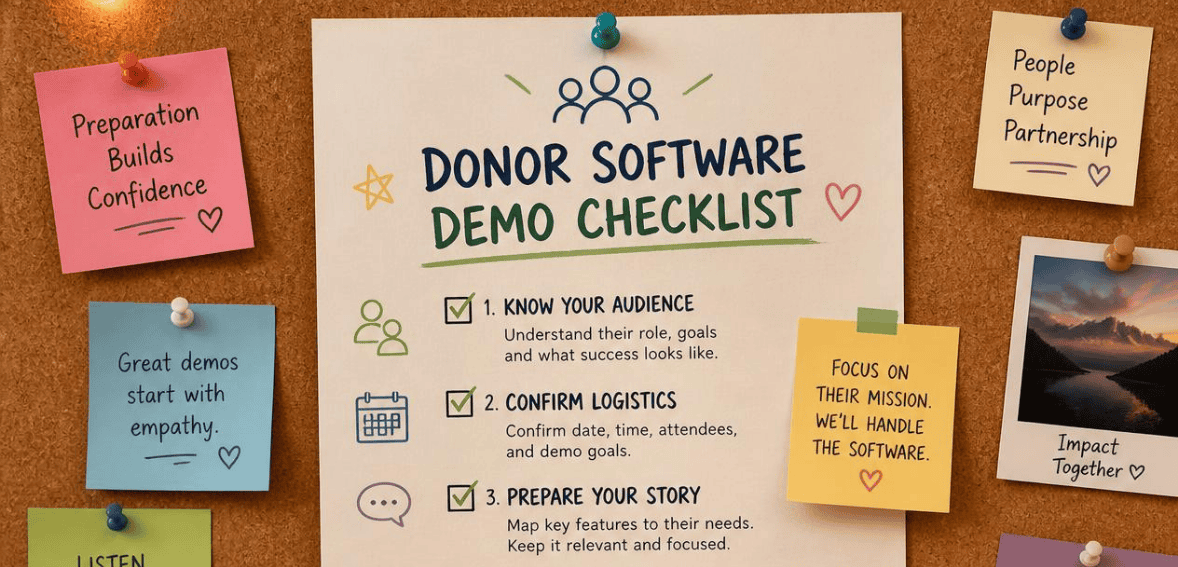
A generic product tour shows you what the software does best. A scripted demo shows you what it does for you. Software selection experts agree on this point across industries: you should hand every finalist a formal demonstration script based on your own processes rather than letting them run a canned tour. The demo is where marketing claims either survive contact with reality or fall apart.
Nonprofits appreciate a lot more than an attractive interface. Development teams begin the search for a new nonprofit CRM when overstuffed spreadsheets fail between 500–1,000 donor records, and the time comes to manually track donor information, which distracts from building donor relationships. By that point, your gift mix has warranted a more complicated tracking system. You are no longer recording cash donations. You may now be tracking pledges, recurring gifts, memorial gifts, and in-kind gifts and donations, along with stock and sponsor grants that are distributed through a third party. A generic CRM demo that skips these steps tests zero of the value that is important to your organization.
The solution is to control your demos. Provide your script to each vendor so that they all perform the same demo for you. Once you’re in control of what systems are being demonstrated, you will be able to make a side-by-side, apples-to-apples comparison of each system, as opposed to each salesperson.
Map Your Complex Gift Workflows Before You Write the Script
You cannot explain a workflow unless you understand the process. So before you begin your vendor outreach, consider how gift processing and development staff would document steps to illustrate the movement of a gift from the point of receipt to the point of acknowledgement and report.
There are complex gift workflows that include multiple records, multiple steps, and/or multiple systems. An example of this is a donor-advised fund grant. The check is issued by a sponsoring organization, like Fidelity Charitable or a community foundation, so the hard credit goes there; however, a soft credit must be returned to the person who recommended the grant. Failing to do so means that you are effectively blind to a donor’s full capacity to give to your organization. DAF giving is one of the fastest-growing support infrastructures in the United States, so this is an area that you cannot get wrong.
Planned and non-cash gifts increase this complexity. Stock, real estate, IRA charitable rollovers, bequests, and gift annuities each have separate values and timing, as well as different restrictions. A planned gift can remain in your gift pipeline as an “expected” gift for several years before the asset even transfers to you. Outlining the above systems and integrations should be the foundation of your demo script.
The Donor Software Demo Script: What to Ask Every Vendor
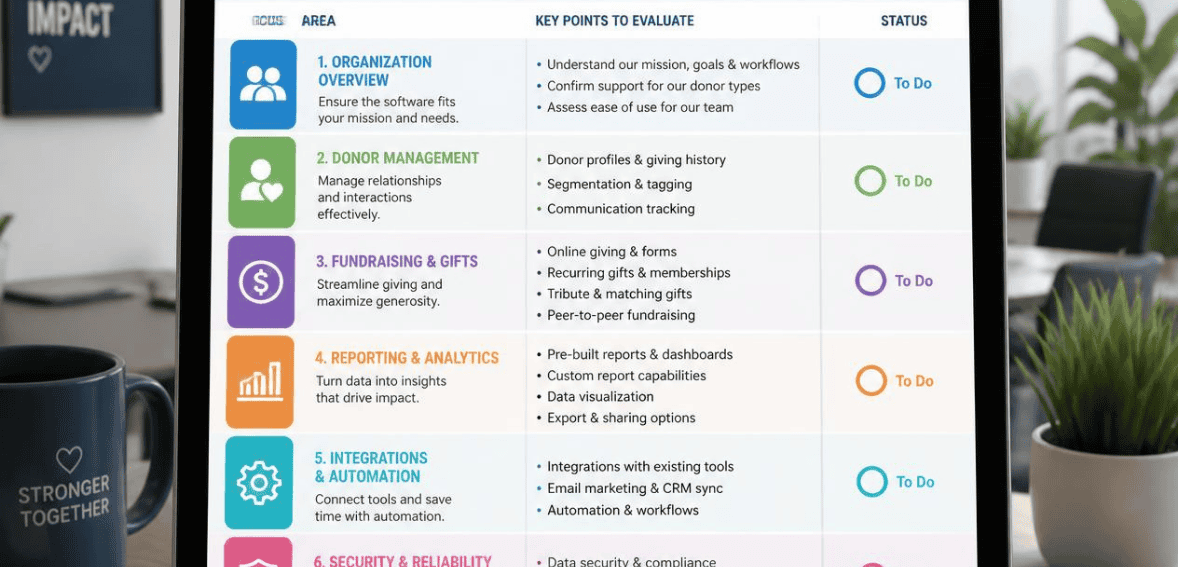
Here is the core of the donor software demo checklist. Hand this to every finalist and make them perform each task live, on screen, without switching to slides. Keep the wording identical for each vendor so your comparison stays fair.
- Record a donor-advised fund grant. Ask the rep to enter a DAF gift, apply the hard credit to the sponsor, and post a soft credit to the individual donor. Confirm the gift still reconciles against a bank deposit and does not get misclassified as a major gift by default.
- Enter and track a multi-year pledge. Have them create a three-year pledge, schedule the payments, apply a partial payment, and then show the outstanding balance on both the donor record and a pipeline report.
- Process a matching gift. Ask them to link an individual gift to a corporate match, then show how the match appears in campaign totals without double-counting revenue.
- Log a stock or in-kind gift. Require a non-cash gift with a fair market value, a description, and the correct receipt language that separates tax-deductible cash from goods.
- Handle a split gift. Enter one payment that funds three different campaigns or restricted funds, then pull a report proving each fund shows the right amount.
- Create a recurring gift and change it mid-stream. Set up a monthly gift, then upgrade the amount and pause it, and confirm the schedule and reporting update cleanly.
- Record a planned or expected gift. Add a bequest intention to the pipeline, mark it as expected, and show how it reports separately from realized revenue.
- Generate the acknowledgements and receipts. For each gift above, produce the tax receipt and thank-you letter, and confirm the language is compliant and personalized.
If a vendor cannot complete every one of these steps live, that is your answer. A platform built for complex development operations should handle these scenarios without a workaround, a spreadsheet, or a “that’s on the roadmap.”
Bring Your Own Data to the Demo
One of the best moves to make in software procurement is asking potential vendors not to demo on pre-built data. Give them a sample of some of your actual donors and gifts. Make them demo the software with your sample data.
The reason this works is that any software built to handle messy, real-world fundraising data should be able to accept a sample of your fundraising data and imports of a few gift records. A vendor who will only demo on their own polished data may be concealing how much work and how much data preparation your data may require. Lack of preparation on a vendor’s part should lead you to score their software’s capabilities conservatively, since your requests cannot be validated.
Score Every Vendor the Same Way
To make informed decisions, comparing demos cannot rely heavily on “gut feel.” Reliability is achieved by using a common criterion when analyzing vendors. A simple scorecard can be created by listing each step in the demo script along the left side and having a scoring column for each finalist. Have one person handle all of the demos, or have everyone scoring use the same criterion, so a “4” for one vendor is the same as a “4” for the other vendor.
A few “discipline rules” should be employed so the process of scoring is more effective. Score only after the live demo; do not score based on a sales deck or marketing claim. For example, when a vendor mentions that they have an open API, this should not be a simple yes answer; you should ask for full CRUD access (create, read, update, delete) and whether it is a premium feature. Give yourself the ability to score based on a short pilot because a tool that has everything perfect on paper should lose points when it fails to function in your environment.
Lastly, limit your finalist list to between 3–5 vendors. Limiting this further (to 3 or less) may mean you miss out on a great fit, and expanding this further (beyond 5) means you will have diminishing returns on the time you spend on each demo and pilot.
Platforms Built for Complex Gift Workflows
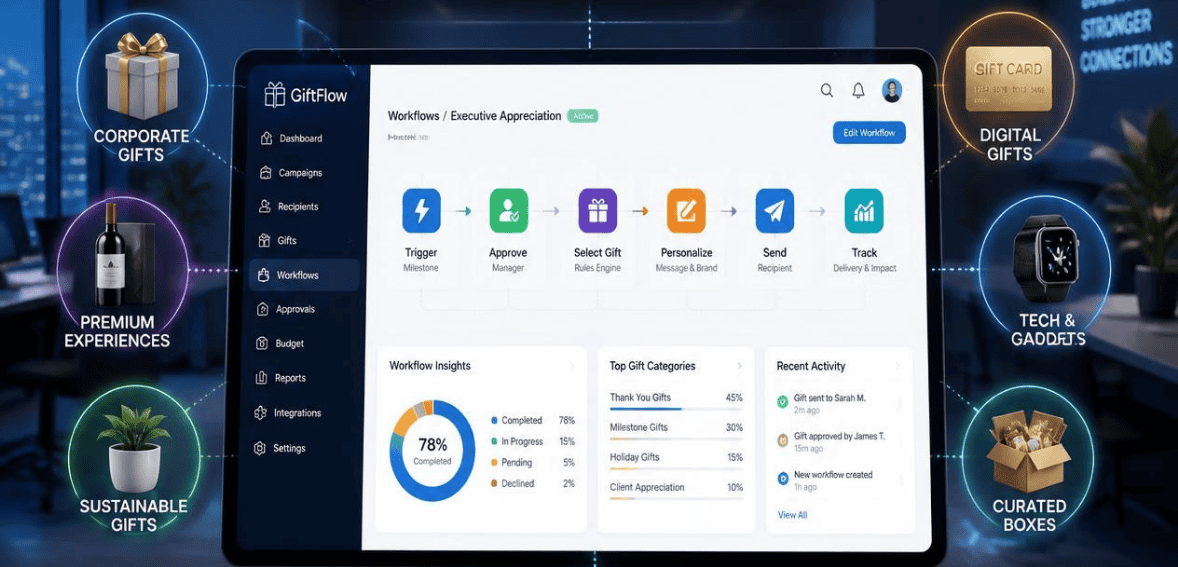
You do not need to know your finalists before writing the script, but it helps to understand which tiers of the market handle complex giving well. A few widely used platforms illustrate the range.
Blackbaud Raiser’s Edge NXT
Raiser’s Edge NXT by Blackbaud is a nonprofit CRM built to meet the demands of enterprise organizations. After smaller tools are exhausted, large nonprofits adopt Raiser’s Edge NXT when dealing with more donors, more complicated donations, and/or when multiple teams conduct fundraising activities. Raiser’s Edge NXT has great reporting, an open API, and integrated supporter records. These features come at a price of overall complexity. Raiser’s Edge NXT is built for larger organizations with database teams.
DonorPerfect
With robust workflow automation, integrated payments, and a full complement of custom fields and user-defined records, DonorPerfect emphasizes flexibility. This makes it a natural upgrade over basic systems for larger organizations that run thousands of transactional records for auction and event sales and pledges. While it shows well during a demo, you should test the flexibility of DonorPerfect against your split-gift and pledge scenarios because, as much as configurability is a strength of the system, it is also worth testing.
Bloomerang
Bloomerang was created with donor retention in mind. It even has an engagement scoring system that captures donors who are about to be lost to attrition. It works great for small- to medium-sized nonprofits who want to focus on donor stewardship. If you have heavy needs for complex gifts around grants, case management, or advanced event systems, be careful scripting these systems because they may lean on integrations to fill the gaps.
Red Flags to Watch For During the Demo
Keep an eye out for the vendor that quickly deflects your tough gift-type prompts with a “we can build that.” Look for a demo that never shows a gift report, only data entry, to avoid any complex gift reporting, where most systems break in silence. Avoid tools that categorize any DAF grant as a major gift. These systems will skew your data and distort your donor pipeline. These signs are far more important than any feature presentation.
Conclusion
A donor software demo is not entertainment. It is the last chance to see the truth before you commit years and a real budget to a platform. The organizations that choose well are the ones that write their own script, insist on their own data, and score every finalist against the same rubric. Complex gift workflows, from DAF grants and matching gifts to multi-year pledges and planned gifts, are precisely where cheaper tools fail, and expensive tools sometimes surprise you. Run the checklist above, keep your finalist list tight, and let the live demo, not the sales pitch, make your decision for you. Your future gift-processing team will thank you.
Frequently Asked Questions
What Is a Donor Software Demo Checklist?
A donor software demo checklist is a scripted set of real tasks you require each vendor to perform live during an evaluation. Instead of watching a generic product tour, you ask the platform to record a DAF grant, track a pledge, process a matching gift, and produce the receipts, so you can compare how each system handles your actual gift workflows.
Why Should I Use My Own Data in a Donor Management Software Demo?
Your own data reveals how much cleanup, configuration, and manual work the platform will really need. A vendor who can only demo on polished sample data may be masking gaps. A tool genuinely built for complex giving can usually ingest a sanitized sample of your donors and gifts and run your demo script live.
How Many Donor Software Vendors Should I Shortlist for Demos?
Three to five finalists is the sweet spot. Fewer than three risks missing a better-fit option, while more than five usually means diminishing returns, since each scripted demo and pilot takes real time. Use a weighted scorecard to narrow a longer list down to two or three before you run full pilots.
What Counts as a Complex Gift Workflow?
Complex gift workflows are transactions that involve more than one record, step, or system. Common examples include donor-advised fund grants that need a soft credit, multi-year pledges with scheduled payments, matching gifts, split gifts across several funds, stock and in-kind donations, recurring gifts, and planned gifts like bequests that sit in your pipeline for years before the assets arrive.